Hum the Meme: Sing a Tune and the Cat Plays It
Hum the Meme is a singing game where you are the melody and a cat is the pianist. Hum, sing or whistle into your microphone and Mochi, a very serious orange tabby in a tailcoat, plays exactly the note you hit on his grand piano. A pitch needle shows if you are flat or sharp, so you hear and see every wobble. Each song is call and response: Mochi plays a short phrase first, then it is your turn to hum it back while the notes glide along a piano roll. Every note is graded on pitch and timing with forgiving windows, and the right note an octave higher or lower still counts. A quick range check asks for your lowest and highest comfortable note, then every song moves into your voice, deep or high. There are 24 tunes in four acts, from a cozy living room to a corner cafe, a harbor tavern and the grand opera: public domain classics like Ode to Joy, Für Elise, Jingle Bells and the Can-Can, plus Mochi's own tunes. Nail the last note and the whole crowd stands up for an ovation. The daily mystery tune is the same for everyone, hides its name until the end and gives you a spoiler-free emoji line to share. A microphone is optional and nothing is recorded: without one you play the same songs on a big touch piano or your keyboard, and Jam mode lets you play freely while Mochi harmonizes.
How to play Hum the Meme
- Tap PLAY, then Use my voice, or Play without mic for the piano keys.
- Hum your lowest and highest comfortable note, so every song fits your voice.
- Listen while Mochi plays a phrase, then hum it back when YOUR TURN shows.
- Hold each glowing note for its length: the needle shows flat or sharp, the cat plays what you sing.
- Without a mic, tap the falling notes when they reach the line, or use the keys A S D F G H J K L.
- Earn stars to open new venues and try the daily mystery tune.
Features
- Your voice plays a real piano: Mochi plays every note you hum
- Live pitch needle and piano roll: flat, sharp or spot on
- A range check moves every song into your voice
- 24 melodies in 4 acts: public domain classics and Mochi originals
- A daily mystery tune with streaks and a spoiler-free emoji share line
- Mic optional, nothing recorded: pick your mic in Settings, or play on the touch piano, keyboard keys and a free Jam mode
FAQ
- Do I need a microphone?
- No. Every song also works on a big touch piano on your phone or with the keyboard on a computer. Pick Play without mic, or switch any time on the title screen.
- Is my voice recorded?
- No. The game only measures how loud and how high you hum, live in your browser. Nothing is recorded, stored or sent anywhere.
- The songs are too high or too low for me. What can I do?
- Open settings and tap Redo my voice range. Every song is moved into the range you hum, and a right note in another octave still counts.
- Mochi does not hear me, or plays notes I did not sing. What can I do?
- Open Settings: the mic panel shows which microphone the game listens to, with a live meter. If it is the wrong one, tap Change mic. With speakers the mic can also hear the game, so headphones work best.
- How does the daily tune work?
- Everyone gets the same mystery melody each day. Its name stays hidden until you finish, then you can share an emoji line of your notes without spoiling it.
- How do I unlock more songs?
- Collect stars. The Corner Cafe opens at 8 stars, the Harbor Tavern at 20 and the Grand Opera at 34.
 Copycat Herd
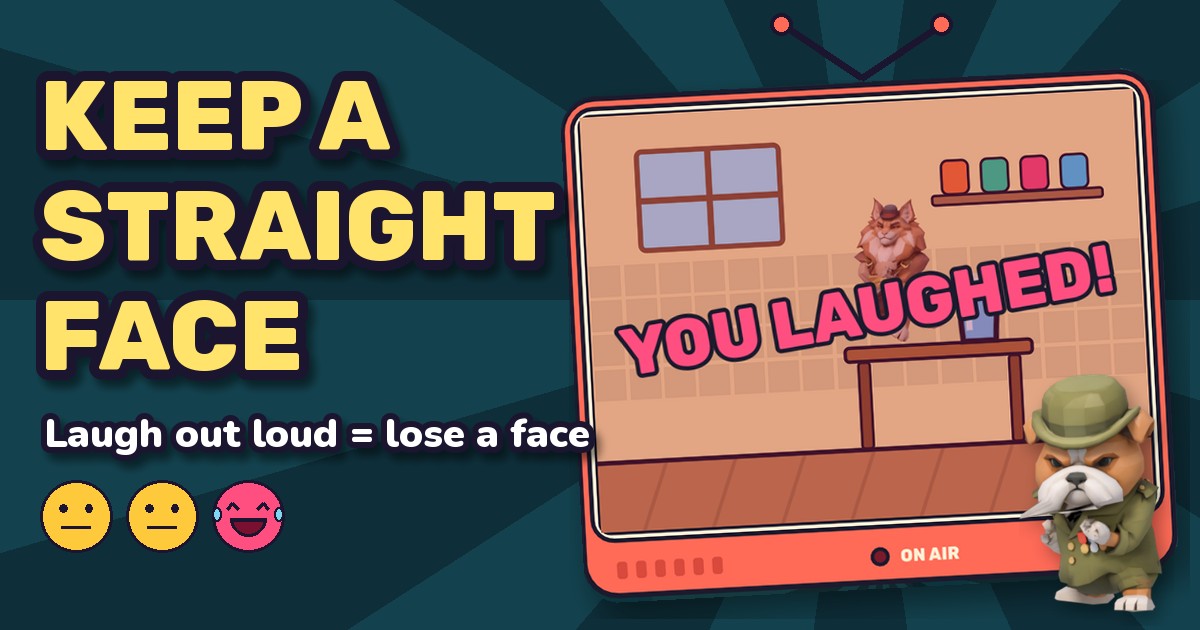 Keep a Straight Face
 Shout Rocket
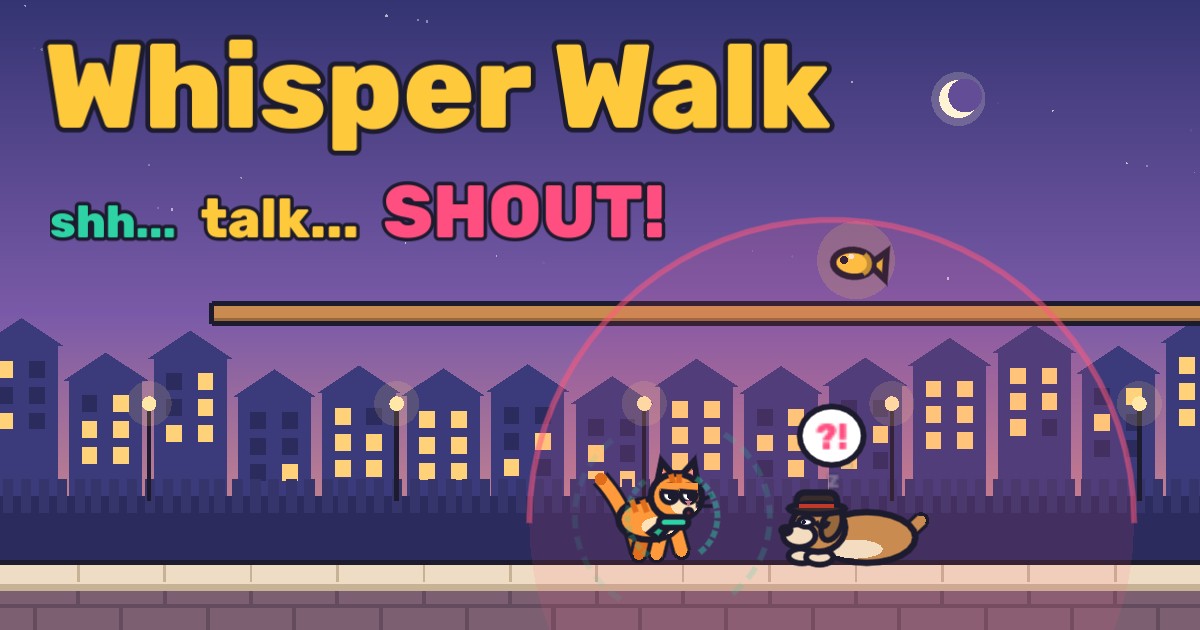 Whisper Walk
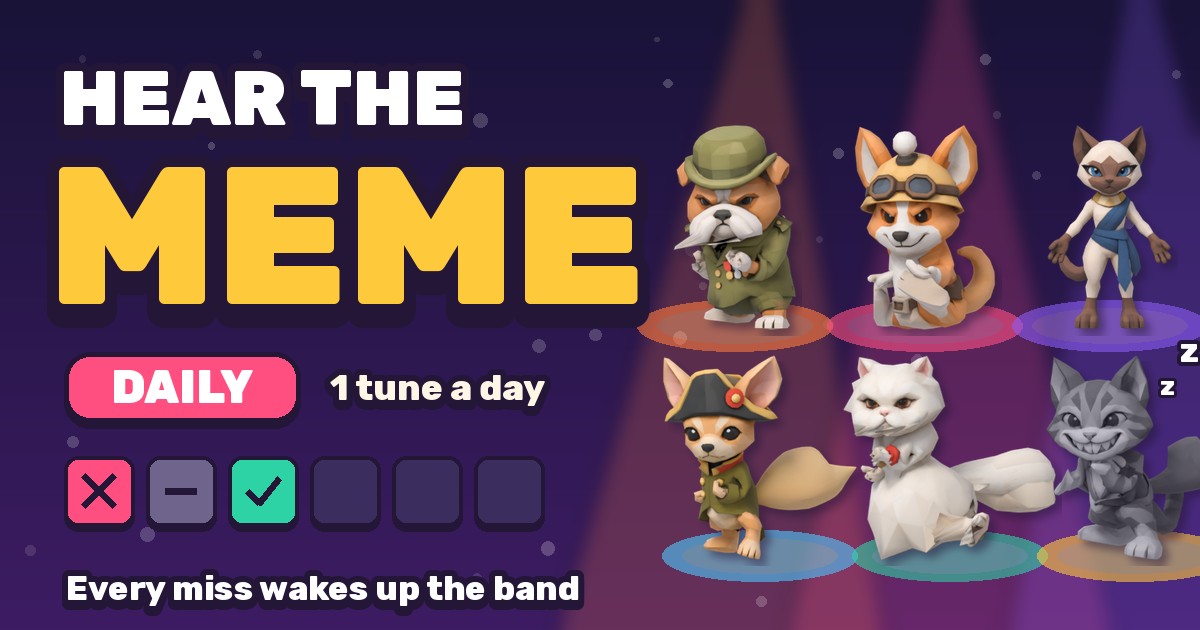 Hear the Meme: Daily
 Bounce Song: Will It Escape?